I’ve been thinking about how much of the conversation around AI email automation misses the point entirely. Most of what I read treats it as a complete replacement for human judgment, the kind of thing that’ll draft every reply and close every ticket while your team sits back and watches. That framing sells software. It doesn’t reflect what actually works in a live inbox where one wrong reply costs you a customer.
Leads contacted within an hour are seven times more likely to qualify. That’s not a soft correlation; it’s a hard operational reality that most teams I speak with are nowhere near hitting. Meanwhile, support teams handling a thousand-plus emails per day routinely burn up to 30 percent of agent time on manual triage alone: reading, labelling, routing, deleting spam, forwarding the wrong thing to the wrong person. That work adds nothing to the customer relationship. It just consumes the hours that should be spent on replies that actually matter.
The Real Cost of Slow Inboxes and Why Manual Triage Fails
Under five minutes. That’s the gold standard for lead response time. Only 0.1 percent of companies hit it.
I find that number genuinely jarring. Not because most teams fall short, but because the gap is so wide it stops being a performance problem and becomes a structural one.
The inbox itself works against speed. In a shared support queue, the first hour of every shift gets consumed by triage: scanning subject lines, deleting spam, forwarding misrouted threads. That work is invisible to customers. It produces nothing they feel. But it burns the window in which a lead converts or a frustrated customer stays.
What makes this worse is that the sorting work isn’t evenly distributed. A few urgent messages hide inside a mountain of noise. Humans get fatigued. They miss things. They spend mental energy on decisions a classification model could make in under a second.
I’m not arguing every reply should be automated. I’ve seen enough templated, soulless responses to know the damage that does. But the triage layer is pure operational drag. The cost shows up in conversion rates, support backlogs, and team burnout long before anyone spots it on a dashboard.
The real question isn’t whether to automate. It’s where the line sits between what a machine should handle and what a human should own. That line is sharper than most teams assume.
What AI Email Sorting Should Automate Versus What Humans Own
Most teams get the boundary backwards.
They try to automate the clever stuff, the subtle replies, the relationship-sensitive threads, and leave the dull grinding work of triage to humans. That’s exactly the wrong way round.
The dull grinding work is where the machines actually deliver.
Coarse classification, sales versus support versus spam, hits 95 to 98 percent accuracy with enough training data. That’s not a guess. That’s a settled operational benchmark. And it matters because in a typical shared inbox, 15 to 30 percent of inbound messages are spam, bounces, or newsletters that never needed a human to look at them in the first place.
Letting a model handle that layer isn’t risky. It’s just arithmetic.
But here’s something I keep coming back to, and I might be wrong about this, but I really don’t think I am. The line between what you automate and what you own isn’t about technical capability. It’s about reversibility.
If a model misroutes a pricing enquiry to support, someone spots it, forwards it, and the customer never knows. Low stakes. Reversible. Automate that.
If a model drafts a sorry-we-messed-up reply to a churning customer and gets the tone wrong, that damage is harder to undo. The relationship takes the hit. That’s where a human should still approve, edit, or write from scratch.
The sorting layer is high-volume, low-risk, and perfectly suited to automation. The reply layer is where judgment lives.
Once sorting is automated, the next challenge is drafting personalised replies without losing authenticity.
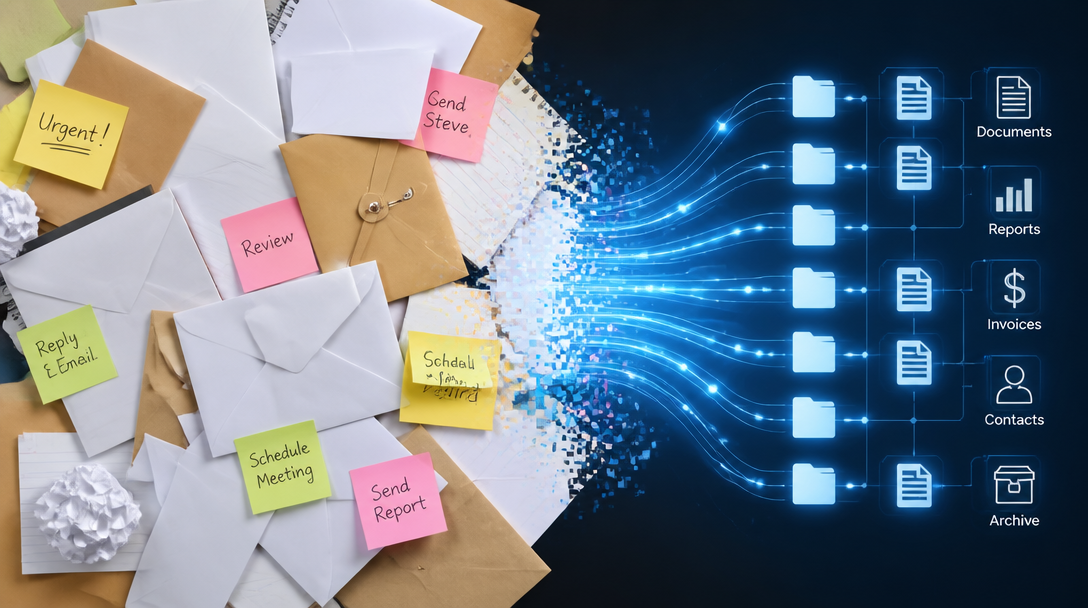
Drafting Personalised Replies Without Sounding Robotic
I’ve seen plenty of teams get this wrong.
The temptation is to fire off auto-replies that sound like a robot wrote them because a robot did. But the data suggests that’s not just impersonal, it’s slower than you’d think.
Basic auto-responders average 46 minutes 11 seconds to reply. That’s a machine churning out a template, and it still takes nearly an hour. Meanwhile, personalized emails get 2x higher response rates, and just adding a personal greeting lifts response rates by 19%.
The trade-off is false. You can be fast and personal if you use the right approach.
The approach that works is letting an AI system retrieve relevant information from your knowledge base, draft a reply that includes the person’s name and acknowledges their specific issue, and then hand it to a human for a quick scan before sending. That’s not a generic “Thanks for your email, we’ll get back to you.” It’s a reply that actually answers the question, in seconds. Case studies show response times dropping from 15 minutes to 23 seconds, with satisfaction scores climbing alongside.
But here’s something I keep coming back to, and I might be wrong about this, but I really don’t think I am.
The moment you let a machine draft replies, you need a clear rule for when a human must intervene. High-stakes decisions require a strict operational framework to prevent algorithmic missteps.
The Human in the Loop Principle for High-Stakes Decisions
I keep seeing teams treat AI sorting as a set-and-forget system. That’s a mistake.
The accuracy gap tells you everything you need to know. Coarse classification like spam versus support versus sales can hit 95 to 98 percent accuracy. That’s reliable enough to automate routing without much oversight. But when you ask the same system to distinguish a warm lead from a cold lead, accuracy drops to 85 to 92 percent.
That 8 to 15 percent gap is where relationships get damaged.
The solution is not to abandon automation. It’s to build confidence thresholds that route uncertain cases directly to a human. Complaints, escalations, renewal discussions, anything flagged as ambiguous gets a mandatory review gate. The machine sorts what it’s confident about. The human handles the rest.
What I mean is, you design the system around the accuracy floor, not the ceiling.
High-confidence routing fires instantly. Low-confidence or high-stakes items wait for eyes. That single rule prevents most of the damage an overeager automation can cause, whilst keeping the speed gains intact for everything else.
Measure your median first response time this week. Not the average, not the target you’d like to hit, just the number that actually shows up. If it’s measured in hours rather than minutes, you’re leaving money and goodwill on the table.
The simplest fix is a hybrid workflow: let AI handle the administrative sorting and first-draft replies for the clear-cut cases, then route everything complex to a human who can read between the lines. That keeps the speed where speed matters, and the personal touch where trust is on the line.
Next time I’ll walk through a real workflow that pulled a support team from 20-hour response times to under a minute, with satisfaction scores climbing alongside.